Agent Studio
AI agent studio: build her, hear her, publish the version
Persona, voice, knowledge base and flow profile, set in your own console. Place a test call before a customer ever hears the agent, publish as a version you can roll back, run A/B experiments on real traffic, and keep a kill switch within reach.
14-day free trial · free AI credit to try the AI voice agent · no card needed
Quick answer
What you get
Everything in one workspace
Personas and roles
Name the agent, give it a role, and set its voice: Layla. The persona is the first thing you set because it decides how everything else reads.
Knowledge base
Upload your documents and the agent answers from them by semantic search. Change the document and you have changed what the agent knows, without touching a script.
17 industry packs
Seventeen industry packs to start from. A first version that already knows the shape of a collections call or a salon booking beats an empty form.
Flow profiles
Flow profiles decide how the conversation is structured, so the same knowledge can be used by an agent that qualifies and one that only confirms.
Test calls
Place a test call and listen to what the agent actually says. Not a transcript of what it was meant to say. The ear is the acceptance test.
Versions: publish, rollback, promote
Every publish is a version. Promote the one you want live, and roll back when today's change turned out worse than yesterday's.
A/B experiments
Run two versions against real traffic and read which one performed. The wording argument gets a measurement instead of a winner by seniority.
Capacity and governance
Set what the agent is allowed to consume before it starts, so an AI campaign can never outrun what your operation or your budget can absorb.
Number exceptions and reminder policy
Numbers the agent must never call, and the policy that governs when a reminder goes out. Both are settings, so neither depends on someone remembering.
Guardrails and the price-truth guard
Guardrails constrain the conversation, and the price-truth guard means only prices in your catalogue can be spoken.
Kill switches per scope
One agent, one campaign, or all AI calling. The scope is yours to pick and the control sits in your console.
Your model keys or ours
Run on managed model keys or bring your own. Usage is metered per tenant either way, which is what makes reselling the AI possible rather than theoretical.
Build
A persona, a knowledge base, and a pack to start from
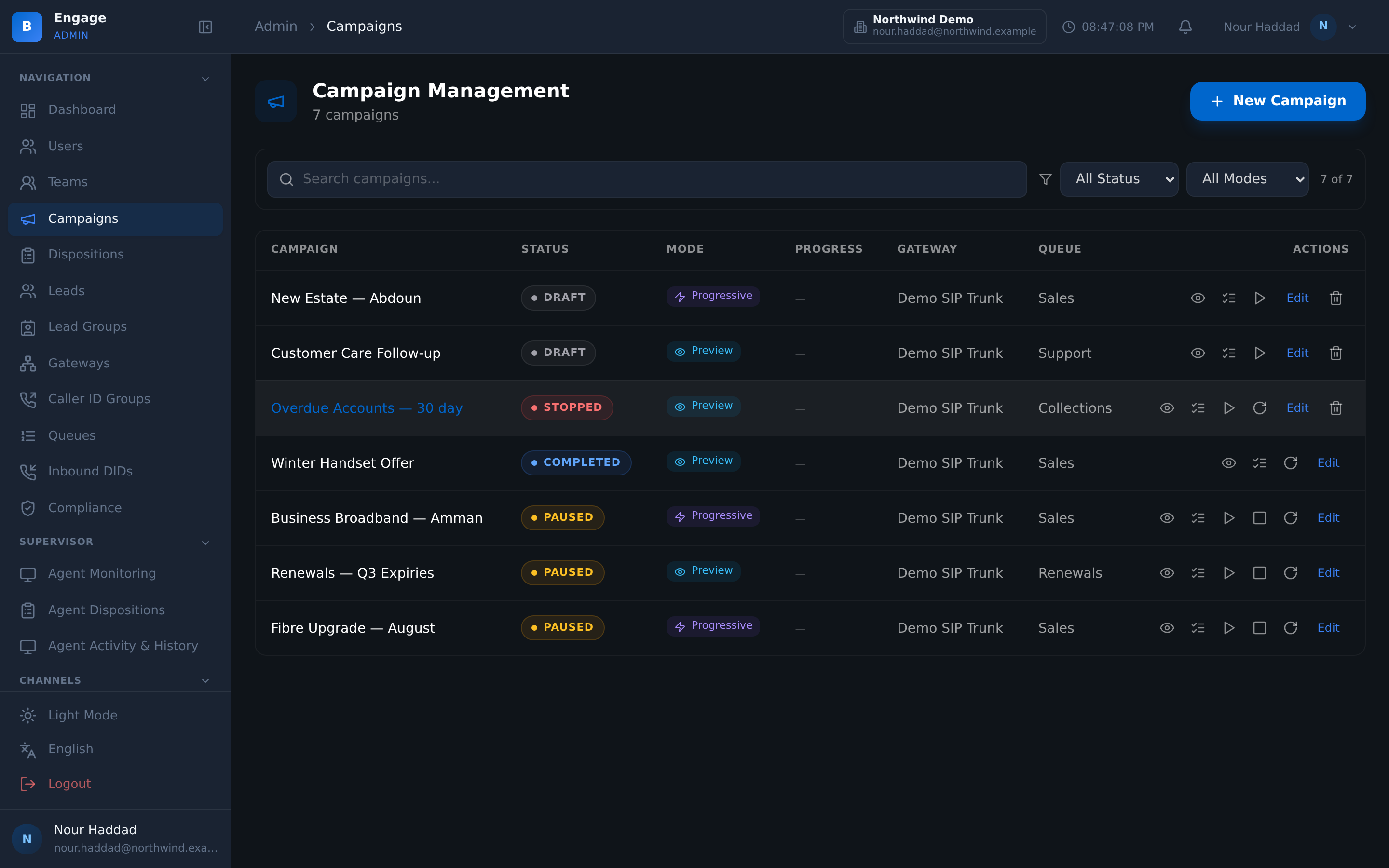
You build the agent, not a vendor. Set the persona and the role, with Layla as the voice, and upload the documents the agent will answer from. Retrieval is by semantic search, so the agent finds the right passage rather than needing the question phrased the way the document was written.
Seventeen industry packs give you a working starting point, and flow profiles decide how the conversation is shaped, so one knowledge base can serve an agent that qualifies and an agent that only confirms.
- Personas and roles, with Layla as the voice
- Knowledge base with document upload and semantic search
- 17 industry packs as a starting point
- Flow profiles to shape the conversation around the same knowledge
Prove
Hear it yourself, then promote the version
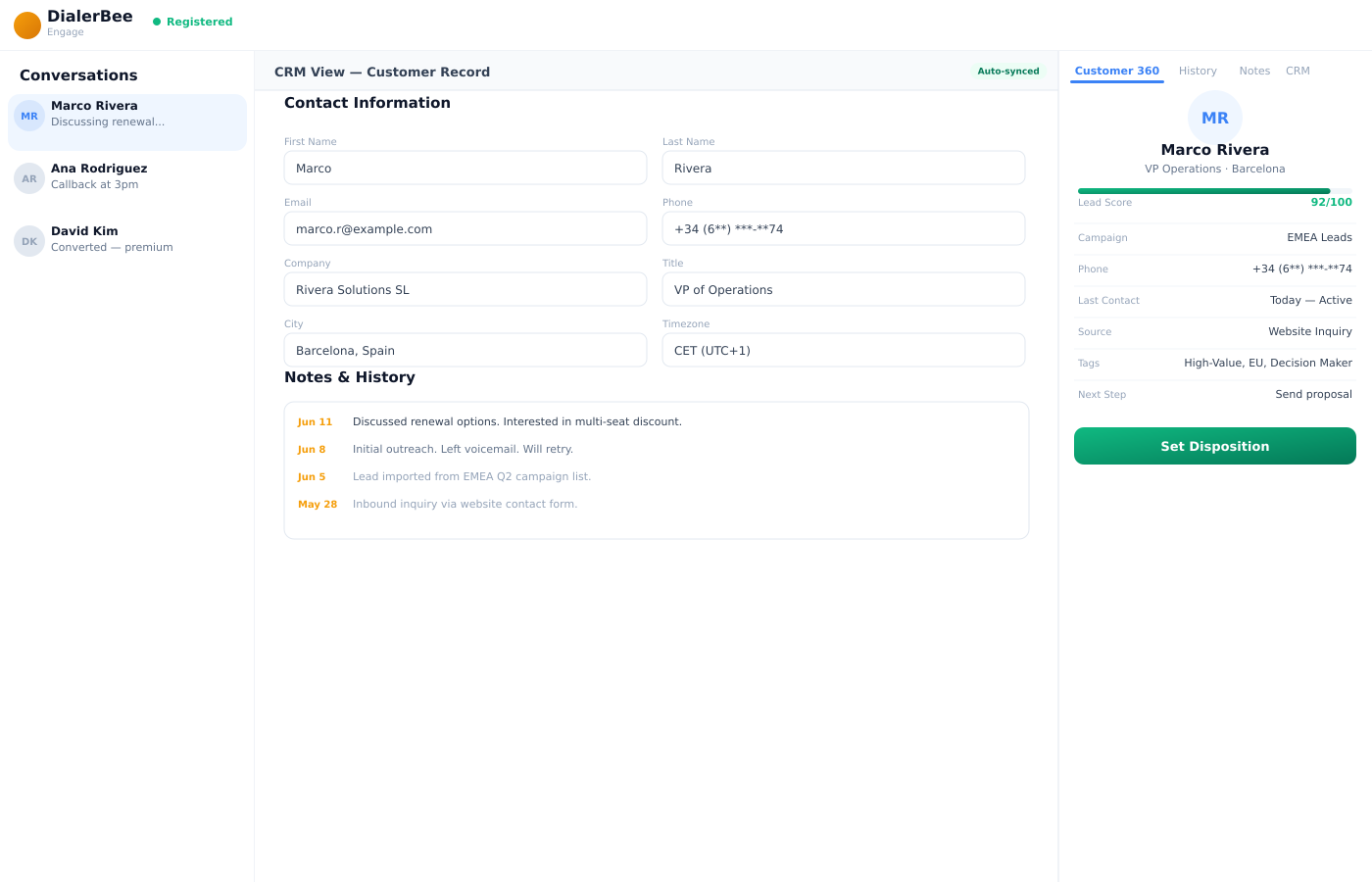
Place a test call and listen. What an agent actually says is the only acceptance test that counts, and it is not the same thing as reading the script it was given.
When you are satisfied, publish. Every publish is a version, and promoting a version is a deliberate act rather than the side effect of pressing save. If the new one is worse, roll back. If you are not sure, run an A/B experiment against real traffic and let the result decide.
- Test calls before a single customer hears the agent
- Versions on every publish, with promote and rollback
- A/B experiments between versions on live traffic
- Results with the recording and the transcript behind every experiment
Govern
Limits you set first, not discover afterwards
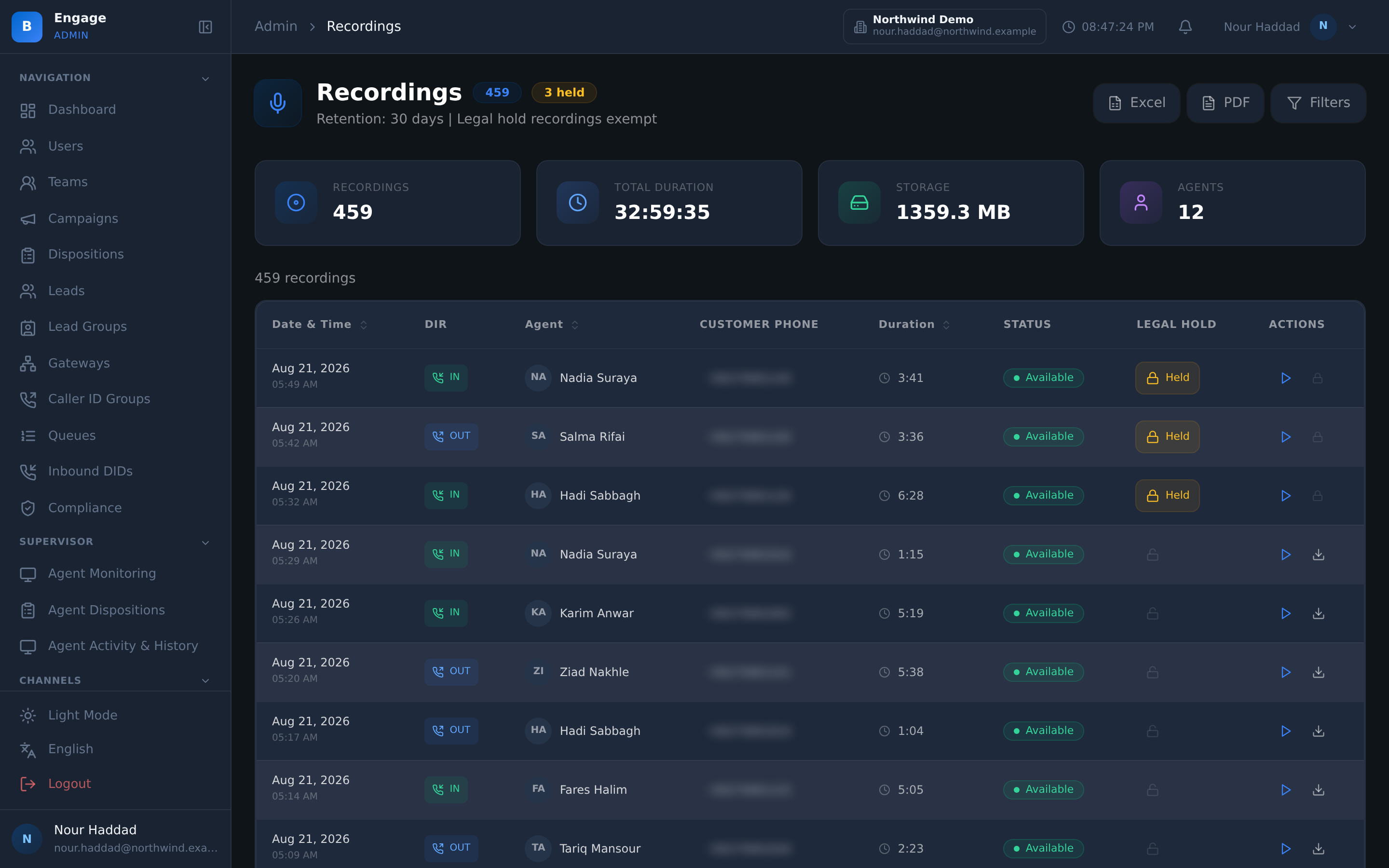
Capacity and governance settings bound what an AI agent may consume before it places a call. Number exceptions list the numbers it must never dial. The reminder policy governs when follow-up messages go out.
Guardrails constrain what may be said, the price-truth guard keeps quoted prices inside your catalogue, and kill switches stop one agent, one campaign or all AI calling. Usage is metered per tenant, on managed model keys or on your own.
- Capacity and governance limits set before the first call
- Number exceptions the agent must never dial
- A reminder policy, so follow-up timing is a setting
- Guardrails, the price-truth guard, and kill switches per scope
- Managed or bring-your-own model keys, with usage metered per tenant
How it compares
| An AI agent a vendor operates for you | Agent Studio | |
|---|---|---|
| Changing the persona | Raise a request and wait | Edit it in the console |
| Changing what it knows | Send them a document | Upload the document to the knowledge base |
| Hearing it first | A demo they recorded | Your own test call |
| A change that made it worse | Ask them to undo it | Roll back to the previous version |
| Choosing between two scripts | Opinion | An A/B experiment on live traffic |
| Stopping it | A support ticket | A kill switch, at the scope you choose |
| Model keys and cost | Bundled and opaque | Managed keys or your own, with usage metered per tenant |
Frequently asked questions
What is Agent Studio?+
It is where you build, test and govern a DialerBee AI voice agent. Persona and role, the voice, the knowledge base, the flow profile, the capacity and governance limits, the versions and the experiments are all settings in your own console rather than requests to somebody else.
Who configures the agent, us or you?+
You do. That is the point of the studio existing as a product surface. The persona, the knowledge, the flow profile and the limits are yours to set, test and publish, and the seventeen industry packs are there so you are editing a working agent rather than filling in an empty form.
How does the agent learn what my business does?+
Through the knowledge base. Upload your documents and the runtime retrieves from them by semantic search when the agent needs an answer. Updating what the agent knows means updating a document, not rewriting a script.
Can we hear the agent before customers do?+
Yes, and you should. Place a test call and listen to what the agent actually says. A transcript of the intended script tells you nothing about pacing, pronunciation or how a sentence lands in Arabic. The ear is the test.
What happens if a change makes the agent worse?+
You roll back. Every publish is a version, and promoting a version is a deliberate step rather than something that happens because you pressed save. If you would rather not guess, run an A/B experiment between the two versions on real traffic and promote the one that performed.
How do I stop an AI agent that is misbehaving?+
Kill switches, at the scope you choose: one agent, one campaign, or all AI calling. Alongside them, number exceptions list numbers the agent must never dial, and capacity and governance settings cap what it may consume before it ever places a call.
What stops the agent saying the wrong thing?+
Guardrails constrain the conversation, and the price-truth guard means only prices in your catalogue can be spoken. Prices are singled out because a wrong price is the one mistake a customer will hold you to afterwards.
Whose model keys does it run on?+
Yours or ours. You can run on managed model keys or bring your own, and usage is metered per tenant in both cases. For a reseller that per-tenant metering is the difference between offering AI to customers and absorbing an unattributable bill.
Build an agent and place a test call, on a demo tenant
A 30-minute walkthrough on a demo tenant, in English or Arabic.