Voicemail Drop and Voice Packs
Voicemail drop software: say it once, let the platform repeat it
Voicemail templates generated from a script by text-to-speech, in a voice you choose, synced to every media node and dropped with one click when AMD detects a machine. Multi-language prompt packs for the IVR, the queues and the surveys, plus TTS hold audio under a budget control.
14-day free trial · free AI credit to try the AI voice agent · no card needed
Quick answer
What you get
Everything in one workspace
Voicemail-drop templates
Keep a library of voicemail messages ready to leave, so the agent is not improvising the same thirty seconds forty times a day.
Generated by TTS
Write the script and the platform generates the audio. No booth, no recording session, no waiting on the one colleague with a good voice.
Choose the voice
Pick the voice each template is generated in, so the message matches the brand and the language it is going out in.
Scripts you can edit
The script sits with the template. Change the wording, regenerate, and the new version is what drops on the next call.
Synced to every media node
Templates sync to every media node, so a drop works wherever the call happens to be running. Audio that only exists on one node is a bug waiting for a busy afternoon.
One-click drop when AMD hears a machine
Answering-machine detection identifies the machine and the agent drops the message with one click, then moves to the next call while the message is still playing.
Multi-language voice packs
Prompt packs in multiple languages, so a flow speaks to the caller in their language rather than making them adapt to yours.
Used by IVR, queues and surveys
One voice pack serves the IVR, the queues and the surveys, so the same voice carries the caller through the whole journey.
Upload your own prompts
If you already have professionally recorded prompts, upload them and use them instead of generated audio.
TTS queue hold audio
Generate hold audio for a queue from text, so the message a waiting caller hears can be changed the same day you decide to change it.
Budget control on generation
Hold-audio generation runs under a budget control, so the convenience of generating audio on demand does not turn into a bill nobody watched.
Part of the same call flow
Drops, prompts and hold audio are configured in the platform that places the call, not in a separate media tool you have to keep in step.
Voicemail drop
AMD hears a machine, the agent presses once
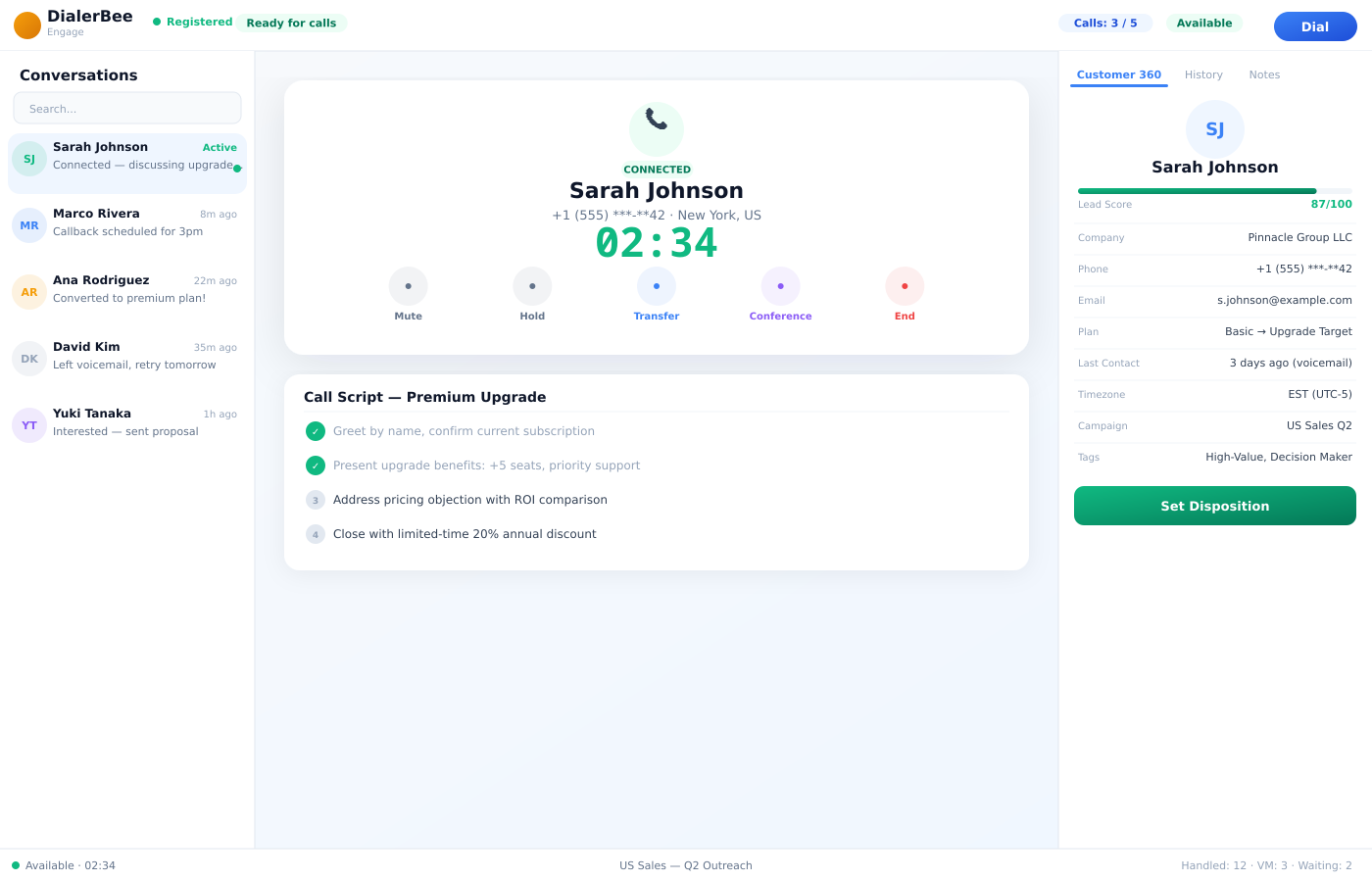
Leaving a voicemail by hand costs an agent about half a minute and a small amount of morale, every single time. Voicemail drop removes both.
Answering-machine detection identifies the machine, the agent picks a template and clicks once, and the message plays out while they move to the next call. The templates are generated from a script by TTS in a voice you choose, and they are synced to every media node so the drop works wherever the call is running.
- Templates generated by TTS from a script, in a voice you choose
- Edit the script and regenerate; the new version drops next time
- Synced to every media node, so a drop is never node-dependent
- One-click drop from the agent desktop when AMD detects a machine
Voice packs
One pack, every flow the caller touches
A voice pack is a set of prompts in a language. The IVR uses it, the queues use it and the surveys use it, so the caller hears one voice from the moment they connect to the moment they answer the last question.
Packs are multi-language, which is the point in a market where the same number is answered in Arabic and in English on the same day. If you already have prompts recorded professionally, upload them and the pack uses those instead of generated audio.
- Multi-language prompt packs
- Used by the IVR, the queues and the surveys
- Upload your own recorded prompts in place of generated ones
- The same pack carries the caller through the whole journey
Hold audio
Change what waiting sounds like, today
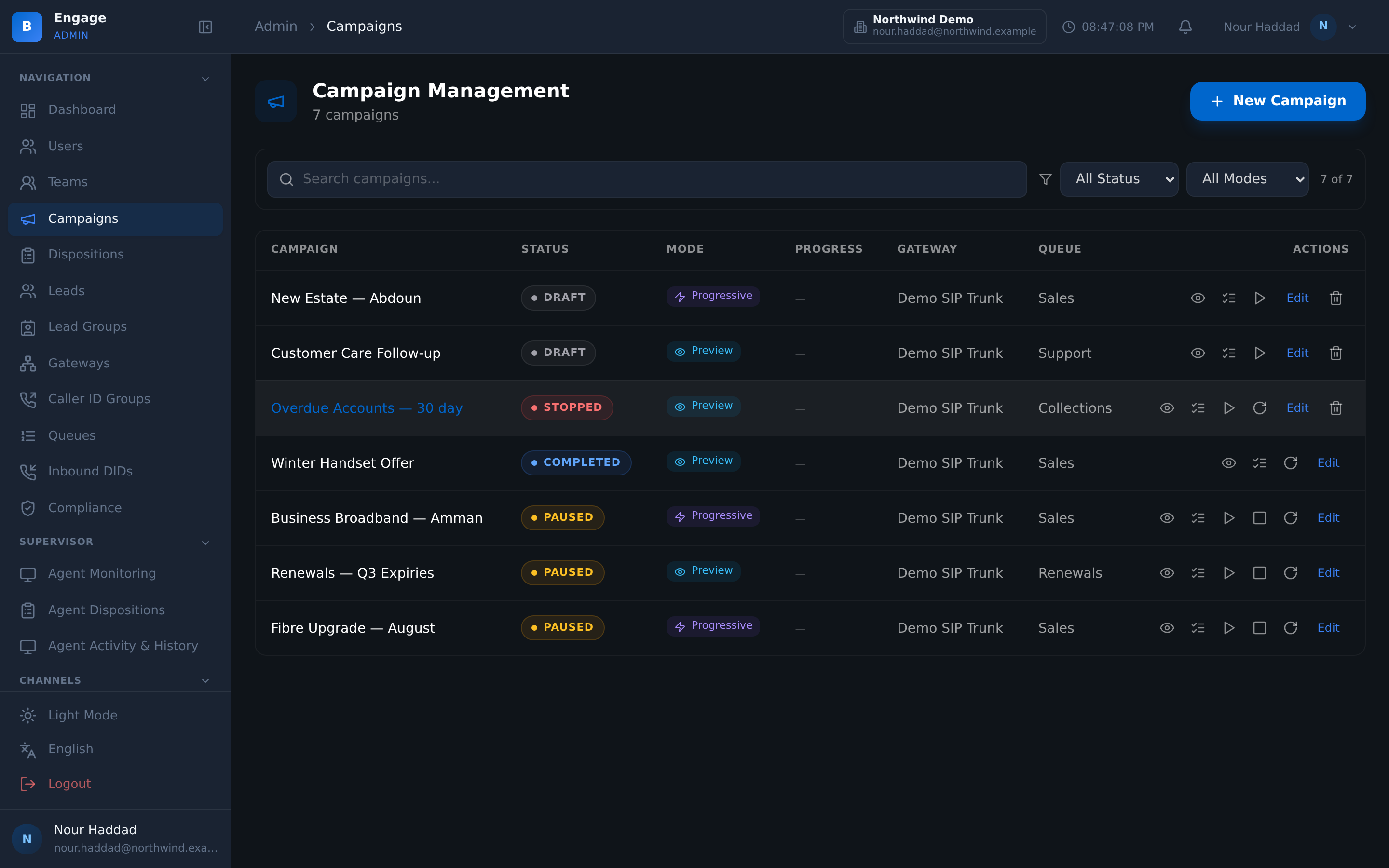
Queue hold audio is generated by TTS, so the message a waiting caller hears is a piece of text you can edit rather than a file someone has to re-record and send you.
Generation runs under a budget control. That is there because on-demand audio generation is exactly the kind of convenience that quietly runs up a bill, and a cap is easier than a monthly surprise.
- Queue hold audio generated by TTS from text
- Budget control on generation
- The same voices available to templates and voice packs
- Configured in the platform that runs the queue
How it compares
| Recording audio by hand | DialerBee voicemail drop and voice packs | |
|---|---|---|
| Making the audio | Book someone, record, edit, upload | Write a script, choose a voice, generate |
| Changing the wording | Repeat the whole process | Edit the script and regenerate |
| Leaving a voicemail | The agent reads it out, call after call | AMD detects the machine, the agent drops it with one click |
| Where the audio lives | Uploaded to one place and hopefully copied | Synced to every media node |
| Prompts across flows | Different files for IVR, queues and surveys | One voice pack used by the IVR, the queues and the surveys |
| Hold music and messages | A file you cannot change quickly | TTS hold audio you edit as text, under a budget control |
Frequently asked questions
What is Voicemail Drop in DialerBee?+
It is a library of voicemail templates the agent can leave with one click. Each template is generated by text-to-speech from a script in a voice you choose, and the templates are synced to every media node. When answering-machine detection identifies a machine, the agent drops the message and moves on while it plays.
How is a voicemail template created?+
You write the script, choose the voice, and the platform generates the audio. There is no recording session. If you change the wording later, you edit the script and regenerate, and the new version is what drops next.
Does the agent have to decide it is a machine?+
Answering-machine detection does that. When AMD detects a machine the drop is one click from the agent desktop, so the agent is not listening to a greeting to work out whether to speak.
Why does it matter that templates sync to every media node?+
Because calls do not all run on the same node. If a template only exists on one node, drops fail on the others, usually on the busiest day. Templates are synced to every media node so the behaviour is the same wherever the call landed.
What is a voice pack?+
A set of prompts in a language, used by the IVR, the queues and the surveys. Packs are multi-language, so a flow can meet the caller in their own language instead of defaulting to one.
Can I use my own recorded prompts?+
Yes. Upload your own prompts into a voice pack and they are used in place of the generated audio. Generated prompts are there so you are not blocked waiting for a studio, not to stop you using one.
How does queue hold audio work?+
It is generated by text-to-speech, so what a waiting caller hears is text you can edit rather than a file you have to commission. Generation runs under a budget control so on-demand audio does not become an unwatched cost.
Do voicemail drop and voice packs work in Arabic?+
Yes. Voice packs hold prompts per language, so Arabic prompts can be generated by text-to-speech with a chosen voice or uploaded as your own recordings, and the same pack serves the IVR, the queues and the surveys.
Hear a drop and a voice pack on a demo tenant
A 30-minute walkthrough on a demo tenant, in English or Arabic.