Surveys and CX
Customer surveys and CX: ask, then actually do something
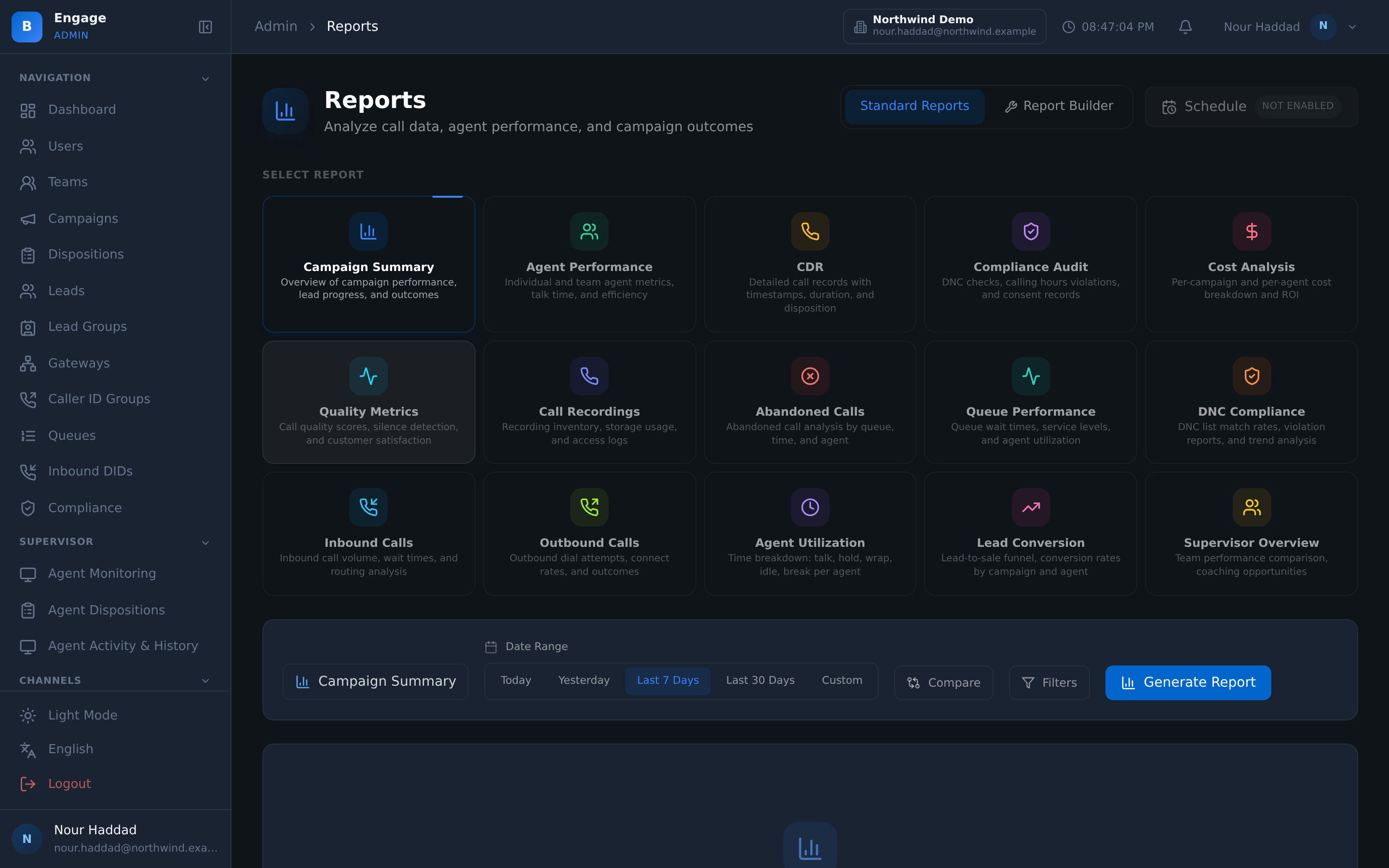
A survey builder with locked published versions, five question types, and five ways to ask: voice IVR, AI voice, WhatsApp, SMS and a web page at a short link. Analytics that state their denominators, and detractors routed to a recovery queue with a name on them.
14-day free trial · free AI credit to try the AI voice agent · no card needed
Quick answer
What you get
Everything in one workspace
Survey builder
Build the survey, preview it live as you go, and publish it. Published versions are locked; a change creates a new version, so the answers you collected keep the wording they were collected under.
Six page templates
Six mobile-first page templates carry your tenant branding, so the survey looks like you and reads on a phone without pinching.
Five question types
Yes/no, CSAT 1 to 5, NPS 0 to 10, consent yes/no and open text. Enough to score an interaction, capture a consent, and let the customer say the rest in their own words.
Voice IVR surveys
Run the survey on the call itself, with the customer answering by DTMF keypress or by speech.
AI voice surveys
The Layla survey runtime asks the questions in conversation instead of reading a menu, on the same call flow.
WhatsApp and SMS
Send the survey as a WhatsApp or SMS message, with the deliveries logged per channel.
Web page at a short link
Every survey has a web page behind a short link, so a message can carry a tap-to-open survey rather than a wall of text.
Post-call handoff
The agent presses Send to survey at the end of the call, and the survey goes out while the conversation is still fresh.
Outbound survey campaigns
Run a survey as its own outbound campaign, with pacing and quotas, when you need a sample rather than a reaction to one call.
Analytics with denominators
Overview, breakdown, per-question, trend and drivers, each stating what the number is out of, plus an export. A score with no denominator is not a score.
Recovery cases
Detractors and low scores become cases in a queue, assigned to a person, closed with an outcome. The unhappy customer gets a call back, not a chart.
Scheduled reports
Daily, weekly or monthly survey reports go out on a schedule, and survey usage is metered per tenant.
Build and publish
Publish a version, and it stops moving
You build the survey with a live preview beside it, so you see the page the customer will see while you are still writing the question. When you publish, that version is locked; a change creates a new version.
That matters more than it sounds. If the wording can change under a published survey, last quarter's CSAT and this quarter's CSAT are answers to two different questions. Editing produces a new version instead, and the old responses keep the wording they were given.
- Live preview while you build, on the same six mobile-first page templates the customer sees
- Templates carry your tenant branding
- Published versions are locked; a change creates a new version
- Question types: yes/no, CSAT 1 to 5, NPS 0 to 10, consent yes/no, open text
Close the loop
A detractor is a case, not a data point
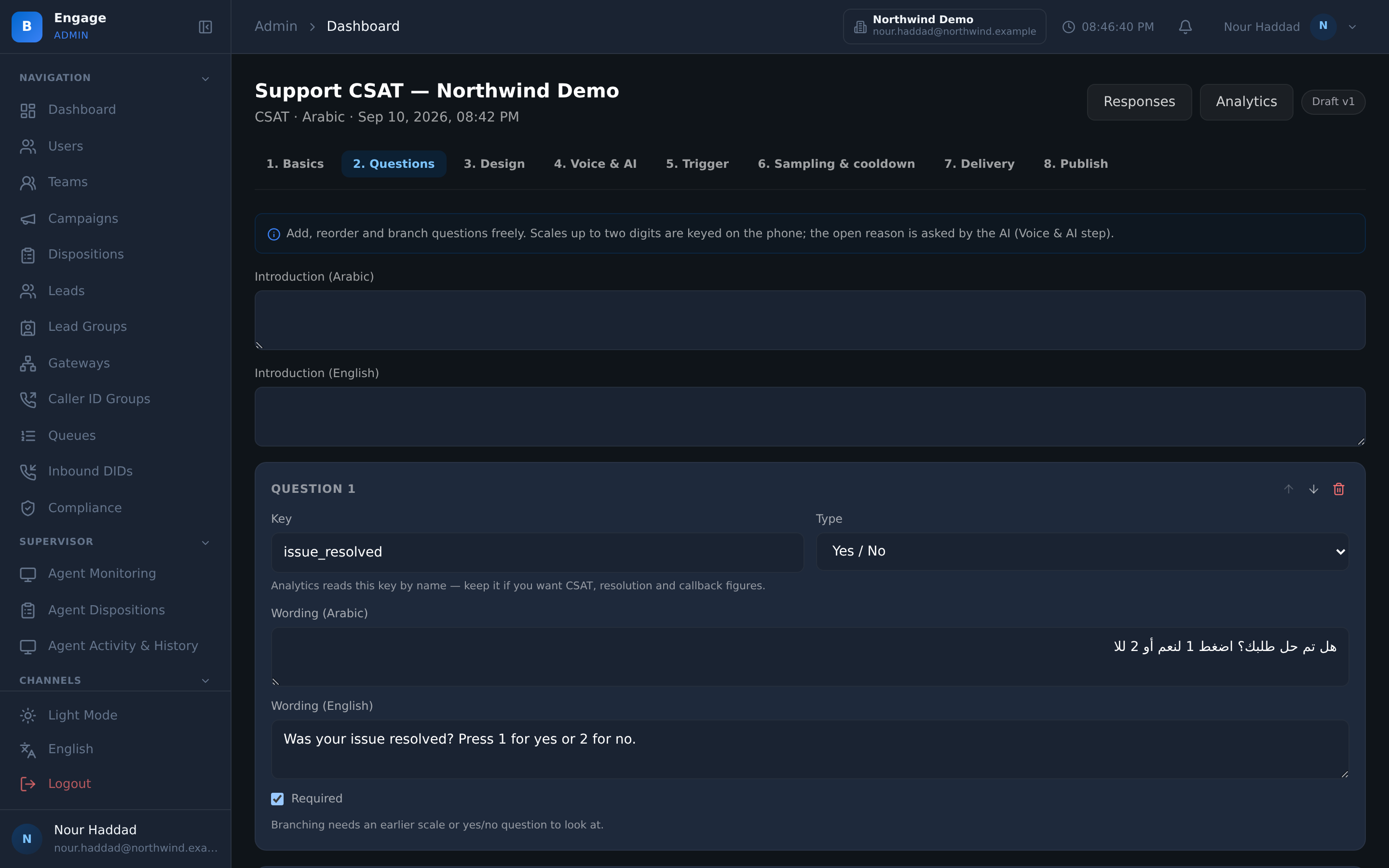
A survey that only produces a dashboard does nothing for the customer who answered it badly. In DialerBee a detractor or a low score opens a recovery case.
The case lands in a queue, gets assigned to a person, and is closed with an outcome. So the score has a follow-up attached to it, and you can see how many of last month's low scores were actually worked.
- Detractors and low scores routed to a queue automatically
- Each case is assigned to a named person
- Cases close with a recorded outcome
- Deliveries are logged per channel, so you know what was sent as well as what came back
Ask at scale
One call, an IVR node, or a whole campaign
Three ways a survey starts. An agent finishes a call and presses Send to survey. An IVR node hands the caller to the survey before they hang up. Or the survey runs as an outbound campaign of its own.
The campaign route has pacing and quotas, so you stop at the sample you needed rather than dialling the whole list, and the same survey can go out by voice IVR, AI voice, WhatsApp, SMS or a short link to its web page.
- Post-call handoff from the agent desktop with Send to survey
- An IVR node that hands the caller straight into the survey
- Outbound survey campaigns with pacing and quotas
- Deliveries logged per channel, responses stored against the version that was asked
How it compares
| A survey tool bolted on | DialerBee surveys and CX | |
|---|---|---|
| How it starts | Someone exports a contact list and sends a blast | Post-call handoff from the agent desktop, an IVR node, or an outbound survey campaign with pacing and quotas |
| Channels | Email or a web link | Voice IVR by DTMF or speech, AI voice, WhatsApp, SMS, and a web page at a short link |
| Wording over time | Editing the live survey changes what past answers meant | Published versions are locked; a change creates a new version |
| What a bad score triggers | A row in a spreadsheet | A recovery case in a queue, assigned to a person and closed with an outcome |
| Reading the numbers | A percentage with no denominator | Overview, breakdown, per-question, trend and drivers, each with the denominator stated, plus export and scheduled reports |
Frequently asked questions
What is a survey in DialerBee?+
It is a set of questions you build in the survey builder and publish as a version. That version can then be asked over voice IVR by DTMF or speech, by the Layla AI voice runtime, over WhatsApp, over SMS, or on a web page behind a short link. Responses come back into the same analytics regardless of the channel they arrived on.
What question types can I use?+
Yes/no, CSAT on a 1 to 5 scale, NPS on a 0 to 10 scale, consent yes/no, and open text. Consent is a question type in its own right so a recorded consent sits with the response rather than in someone's notes.
What languages does the survey page render in?+
The survey page is available in English and Arabic today. Other languages are covered on the voice side through IVR voice packs. This is narrower than the platform, which handles 11 languages, and it is worth checking against the languages your customers actually answer in before you launch.
Can I edit a survey after it has gone out?+
You can edit, and doing so creates a new version. The version you published stays locked, so responses already collected keep the exact wording they were collected under and your trend line stays honest.
How does a survey get sent after a call?+
The agent presses Send to survey on the agent desktop when the call ends, and the handoff goes out on the channel the survey is configured for. A survey can also be triggered from an IVR node during the call, or run as an outbound survey campaign with its own pacing and quotas.
What happens when someone gives a low score?+
Detractors and low scores are routed to a queue as recovery cases. Each case is assigned to a person and closed with an outcome, so a bad score produces a follow-up you can audit rather than only a number on a chart.
What do the survey analytics show?+
An overview, a breakdown, a per-question view, a trend and the drivers behind the score, with an export. Every view states its denominator, so you always know how many people a percentage is out of. Deliveries are also logged per channel, which tells you what was sent as well as what came back.
Can survey reports arrive on their own?+
Yes. Scheduled reports go out daily, weekly or monthly. Survey usage is metered per tenant, which matters if you resell the platform and need to see what each of your customers is using.
See a survey asked and a detractor recovered, on a demo tenant
A 30-minute walkthrough on a demo tenant, in English or Arabic.