Integration
WhatsApp Business, in the same inbox as the call
The WhatsApp channel carried over the BroadNet OmniChannel WhatsApp Business API: a template library and interactive messages per tenant, inbound and delivery webhooks verified by HMAC, encrypted per-tenant credentials, and WhatsApp as a channel for reminders and surveys.
14-day free trial · free AI credit to try the AI voice agent · no card needed
Quick answer
What you get
Everything in one workspace
BroadNet OmniChannel WhatsApp Business API
WhatsApp reaches DialerBee through the BroadNet OmniChannel WhatsApp Business API, so the channel comes from the same telecom operation that carries your voice traffic.
Template library
Your approved templates live in a library per tenant, ready to send, instead of being pasted in from a document each time.
Interactive buttons and lists
Send interactive messages: buttons for a short choice, lists for a longer one. The customer taps rather than types, and the answer comes back structured.
Inbound webhooks
Inbound messages arrive by webhook and land in the conversation list, so a reply is a conversation to be worked rather than a notification nobody owns.
HMAC verification
Inbound and delivery webhooks are verified by HMAC, so DialerBee acts on messages that genuinely came from the channel and not on anything that turned up at the URL.
Per-tenant encrypted credentials
Each tenant's WhatsApp configuration is stored encrypted and scoped to that tenant, which is what makes the channel usable on a platform that is resold.
Delivery state
Delivery webhooks report what happened to each message, so a reminder that did not arrive is visible rather than assumed.
Threads in the omnichannel inbox
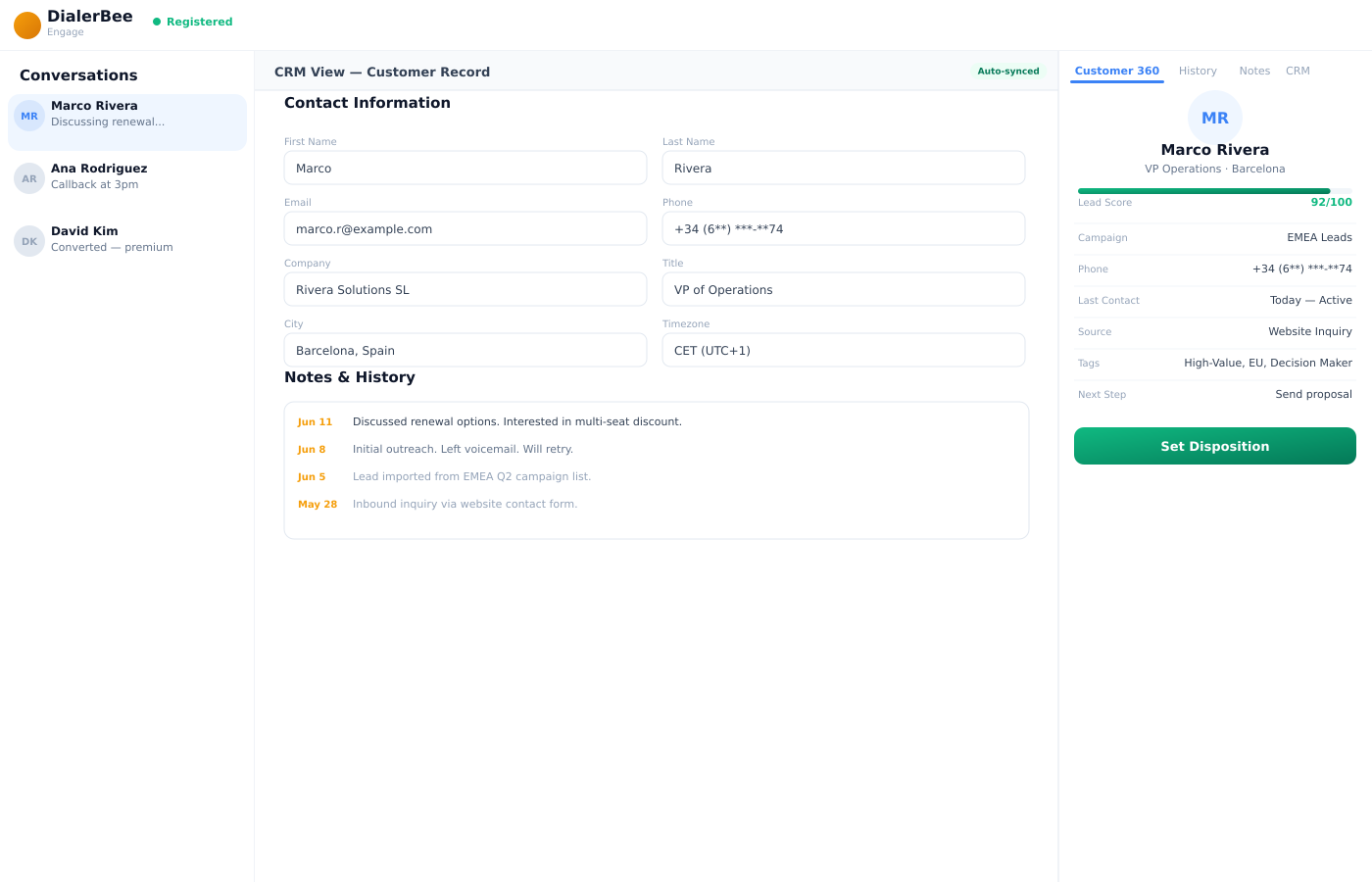
WhatsApp threads sit in the same conversation list as voice, SMS and email, with the same states and the same assignment to an agent or a queue.
Appointment reminders
Appointment reminders go out over WhatsApp on the policy you set, alongside SMS and email, with a messages-sent report behind them.
Surveys over WhatsApp
A published survey can be asked over WhatsApp, with deliveries logged per channel and the responses landing in the same analytics as every other channel.
The connection
Through BroadNet OmniChannel, not a side account
DialerBee sends and receives WhatsApp through the BroadNet OmniChannel WhatsApp Business API. The credentials for it are held per tenant and stored encrypted, which is the part that matters if you resell the platform to customers who each have their own WhatsApp number.
Templates live in a library per tenant, so the message an agent sends is one that was already approved rather than something improvised in the moment.
- BroadNet OmniChannel WhatsApp Business API
- Per-tenant configuration, stored encrypted
- A template library per tenant
- Interactive buttons and lists as well as plain messages
Inbound
A reply is a conversation, not a ping
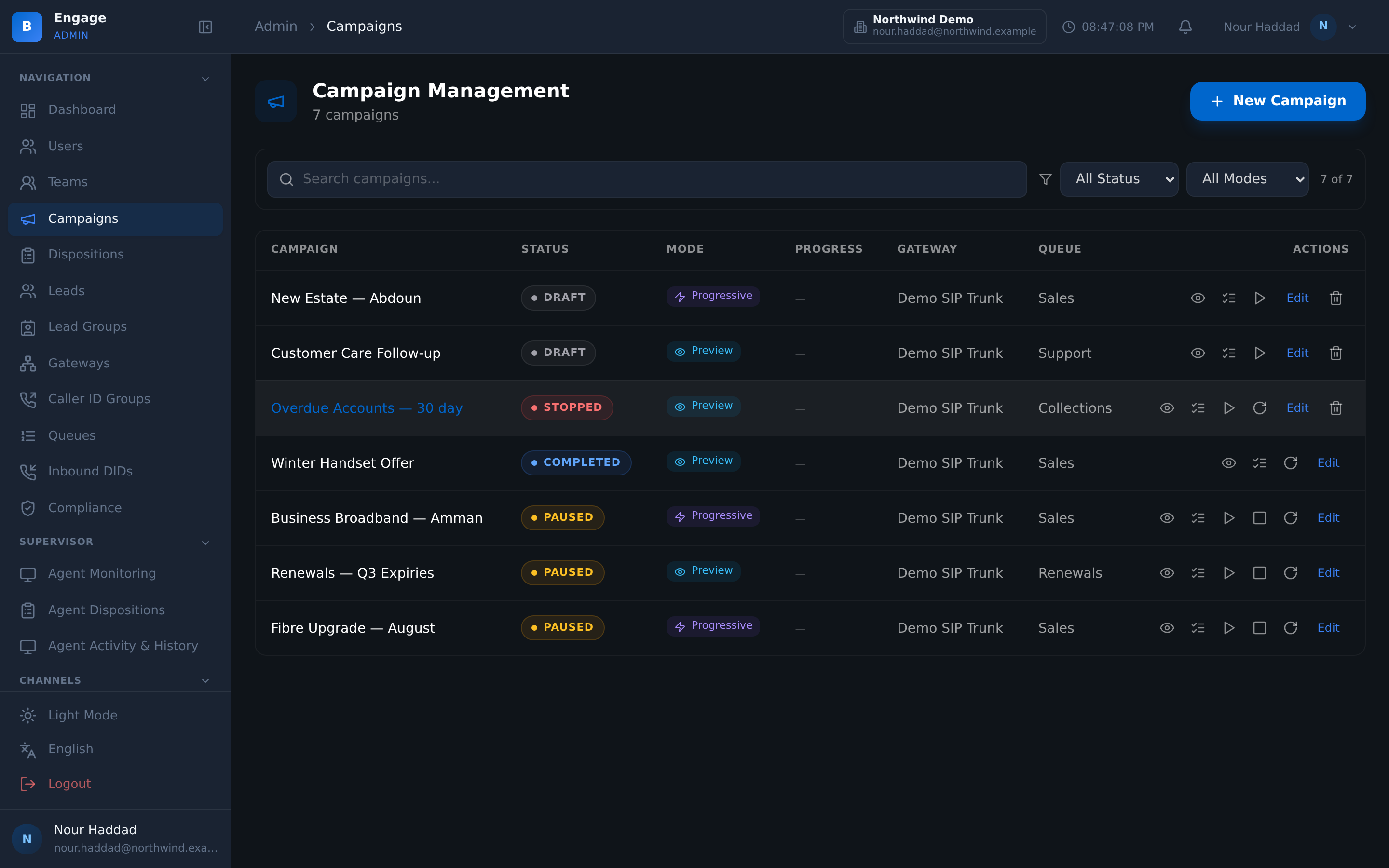
Inbound messages arrive by webhook and become threads in the omnichannel inbox, in the same list as voice, SMS and email. They carry the same states and can be assigned to an agent or to a queue.
Every inbound and delivery webhook is verified by HMAC before DialerBee acts on it. An unverified request at the endpoint is not a message from your customer, and it is not treated as one.
- Inbound messages become threads in the omnichannel inbox
- Assignment to an agent or to a queue, with the same states as other channels
- Inbound and delivery webhooks verified by HMAC
- Delivery state reported per message
What you send it for
Reminders and surveys, on the channel people read
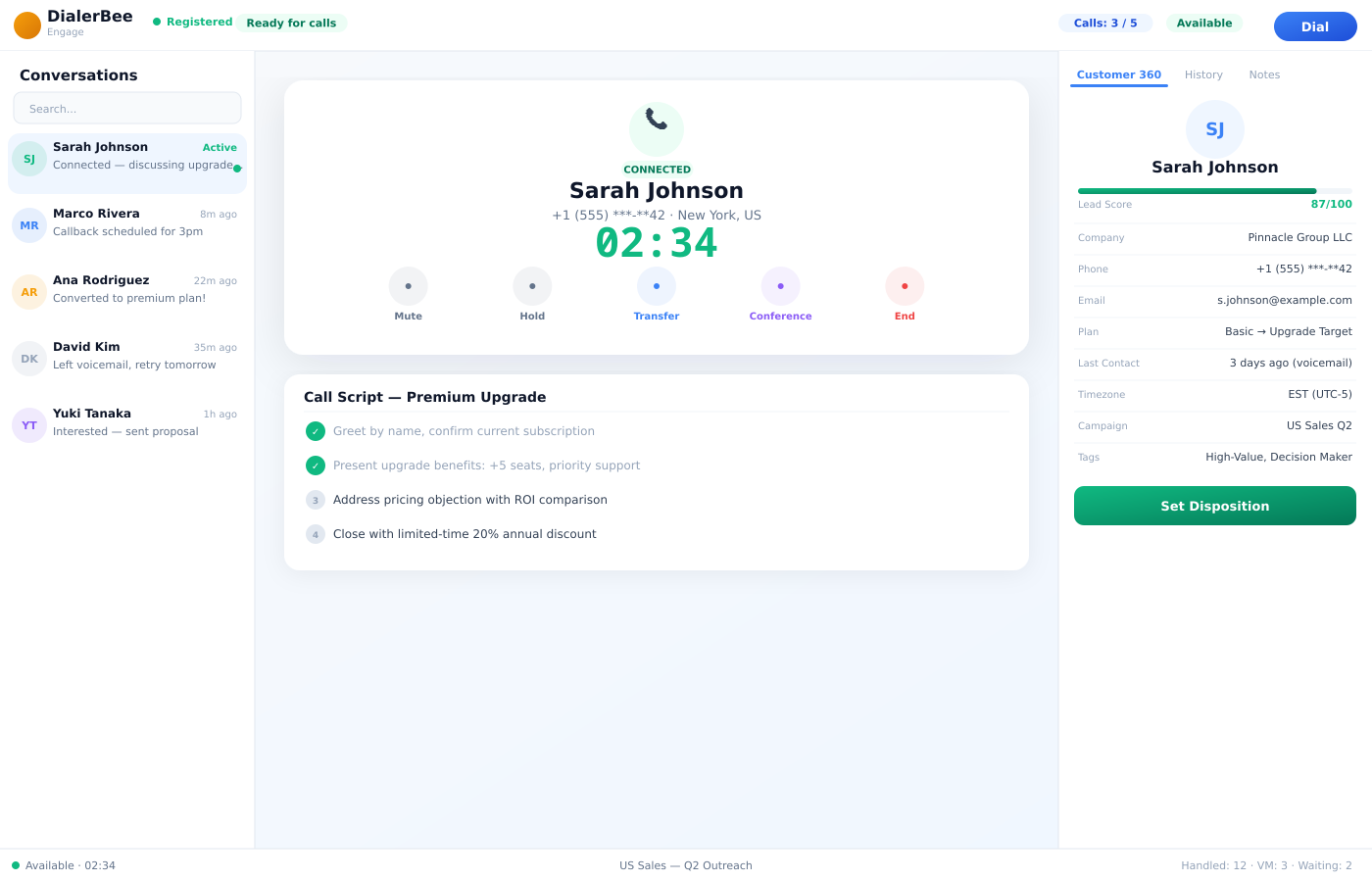
Two jobs make WhatsApp worth connecting. Appointment reminders go out on your reminder policy, over WhatsApp alongside SMS and email, and the messages-sent report tells you whether they actually left.
Surveys are the second. A published survey can be asked over WhatsApp, deliveries are logged per channel, and the responses land in the same analytics as the voice and web ones, so the channel does not fragment your numbers.
- Appointment reminders over WhatsApp on a policy, with a messages-sent report
- Published surveys asked over WhatsApp
- Deliveries logged per channel
- Responses land in the same analytics as every other channel
Frequently asked questions
What is the WhatsApp Business integration in DialerBee?+
It is the WhatsApp channel of the platform, carried over the BroadNet OmniChannel WhatsApp Business API. It covers a per-tenant template library, interactive buttons and lists, inbound and delivery webhooks verified by HMAC, per-tenant encrypted credentials, and WhatsApp as a channel for appointment reminders and surveys.
Where do inbound WhatsApp messages go?+
They arrive by webhook and become threads in the omnichannel inbox, in the same conversation list as voice, SMS and email. A thread carries the same states as any other conversation and can be assigned to an agent or to a queue.
How are the webhooks secured?+
Inbound and delivery webhooks are verified by HMAC before DialerBee acts on them. A request that does not verify is not treated as a message from your customer.
Are our WhatsApp credentials kept separate from other tenants?+
Yes. Each tenant's WhatsApp configuration is stored encrypted and scoped to that tenant. That is what makes the channel workable for a reseller whose customers each have their own WhatsApp number.
Can we send interactive messages, not just text?+
Yes. Interactive buttons suit a short choice and interactive lists a longer one. The customer taps instead of typing, and the reply comes back as a structured answer rather than free text you have to interpret.
Can appointment reminders go out over WhatsApp?+
Yes. Reminders are sent over SMS, WhatsApp and email on the policy you set, and a messages-sent report shows what actually went out. You can also send one immediately from the appointment when the policy is not enough.
Can we run a survey over WhatsApp?+
Yes. A published survey can be asked over WhatsApp, deliveries are logged per channel, and the responses land in the same analytics as the voice, SMS and web ones, with the denominator stated.
Is DialerBee a listed WhatsApp partner or a certified app?+
No such listing or certification is claimed. WhatsApp reaches DialerBee through the BroadNet OmniChannel WhatsApp Business API, and our team scopes the numbers, templates and credentials with you during onboarding.
See a WhatsApp thread worked beside a live call
A 30-minute walkthrough on a demo tenant, in English or Arabic.