Integration
Google Calendar, checked before the booking
An OAuth connection at organisation scope and per agent, free-busy checks before a slot is offered, events created, updated and cancelled as appointments change, and change notifications back from Google. The same grant gives the AI Executive Secretary the Gmail mailbox.
14-day free trial · free AI credit to try the AI voice agent · no card needed
Quick answer
What you get
Everything in one workspace
OAuth for the organisation
Connect Google Calendar once at organisation scope over OAuth. One authorised connection, held per tenant, rather than a password pasted into a settings box.
OAuth per agent
Each agent can connect their own calendar as well. The diary a booking is checked against is then the diary that person actually keeps.
Free-busy checks
Before a slot is offered or held, DialerBee runs a free-busy check on the calendar, so a booking is not written over something that is already there.
Create the event
A confirmed appointment is created as an event on the calendar it belongs to, without anyone retyping it.
Update and reschedule
When an appointment moves, the existing event is updated in place instead of leaving the old time sitting in the diary beside the new one.
Cancel cleanly
A cancelled appointment cancels the event, so a slot that is free in DialerBee is free on the calendar too.
Change notifications
Change notifications tell DialerBee when something moved on the Google side, so the two diaries do not drift apart between checks.
Layla books on the call
The AI voice agent books, reschedules and cancels during the phone call itself, after a free-busy check, quoting only prices that are in your service catalogue.
Gmail for the Executive Secretary
The same Google connection gives the AI Executive Secretary the mailbox: mail is ingested and triaged, and anything it wants to send is submitted to you as a draft first.
Scoped with you at onboarding
Which calendars, which agents and which scopes are agreed with our team during onboarding, rather than assumed.
Two connections
The organisation's calendar, and each agent's own
Google Calendar connects over OAuth at organisation scope, which covers the shared diaries a team books into. That alone is not enough for a business where the person doing the work keeps their own calendar.
So each agent can connect their own calendar too, under their own OAuth grant. A free-busy check then reads the diary that person genuinely lives by, which is the only one that reliably says whether they are free at four o'clock on Thursday.
- OAuth connection at organisation scope, held per tenant
- A separate OAuth connection per agent for their own calendar
- Free-busy checked against the calendar that actually holds the commitment
- Which calendars and scopes are connected is agreed during onboarding
On the call
Free-busy first, then the booking
The order matters. DialerBee checks free-busy before it offers a time, then creates the event once the customer agrees. If the appointment later moves it updates that event, and if it is called off it cancels it.
That sequence is what lets the AI voice agent take a booking on a live call. Layla checks the calendar, offers a time that is genuinely open, books it, and quotes only prices that are in your service catalogue.
- Free-busy checked before a slot is offered
- Event created on confirmation, updated on a reschedule, cancelled on a cancellation
- Change notifications carry Google-side changes back into DialerBee
- Layla books, reschedules and cancels during the call, after the free-busy check
Gmail
The same grant carries the mailbox
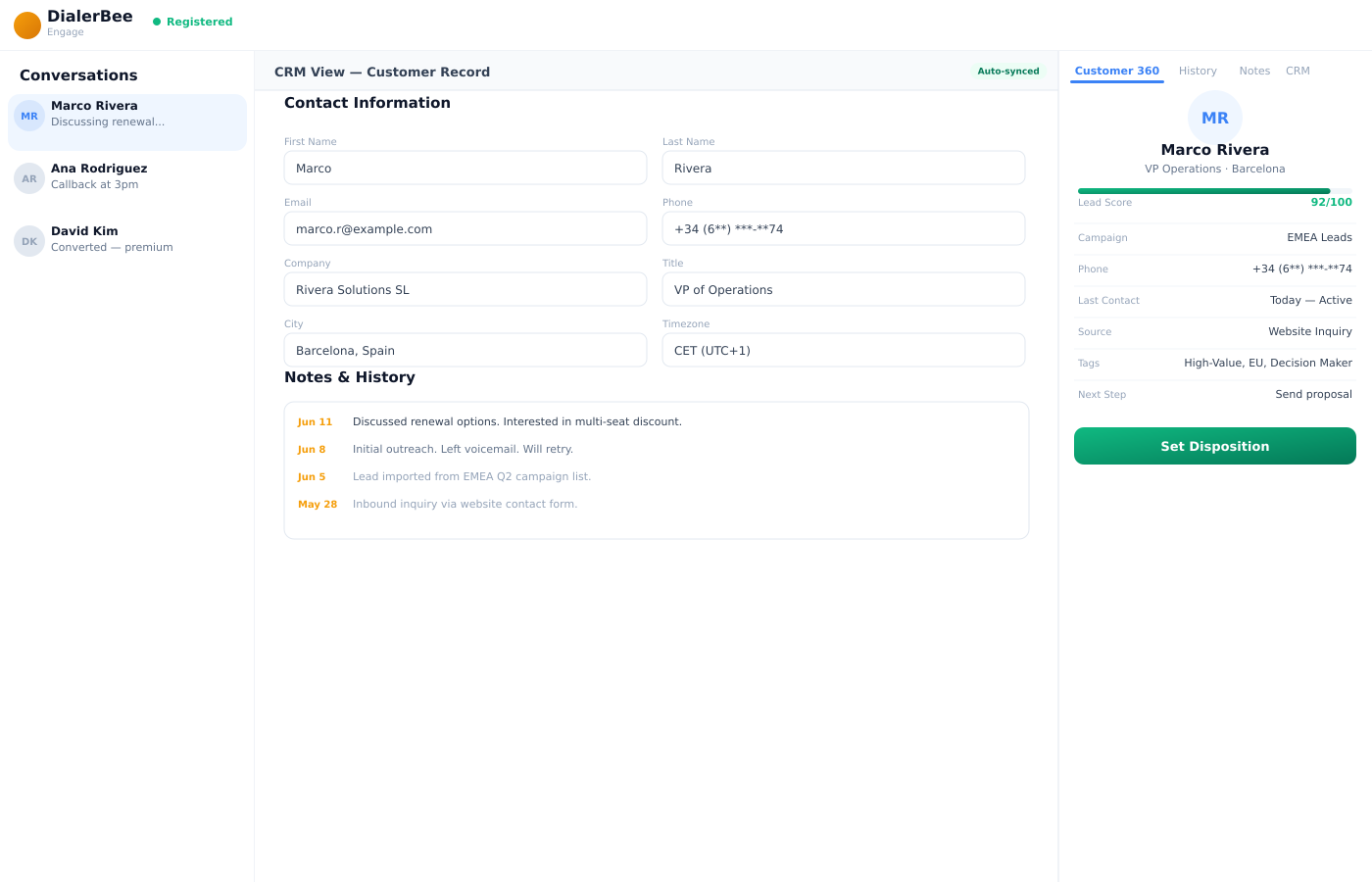
Connecting Google is also how the AI Executive Secretary gets to mail. Gmail is ingested and triaged, so the secretary knows what arrived and what it is about.
Sending is deliberately not automatic. Outgoing mail is submitted to you as a draft, with its attachments, and nothing leaves until you approve it. The calendar side works the same way: propose, authorise, confirm.
- Gmail ingested and triaged for the AI Executive Secretary
- Outgoing mail submitted as a draft for approval before it is sent
- Calendar actions follow propose, authorise, confirm
- Every action is auditable and the whole configuration exports
Frequently asked questions
What is the Google Calendar integration in DialerBee?+
It is an OAuth connection to Google Calendar that DialerBee uses to check free-busy, create events, update them when an appointment moves, and cancel them when it is called off. Change notifications tell DialerBee when something changed on the Google side. The same Google connection gives the AI Executive Secretary access to Gmail.
Is DialerBee a listed Google Workspace Marketplace app?+
No. DialerBee connects to Google Calendar and Gmail through OAuth and Google's APIs rather than as a marketplace listing, and no certification is claimed. Our team scopes the exact connection, the calendars and the scopes with you during onboarding.
Does it connect for the whole organisation or per agent?+
Both. There is an OAuth connection at organisation scope for the tenant, and each agent can connect their own calendar under their own grant. Free-busy is then checked against the calendar that actually holds that person's commitments.
Will a booking ever double-book someone?+
A free-busy check runs before a slot is offered or held, so a time that is already taken is not offered. Capacity rules in the service catalogue are enforced at booking time as well, and a booking is refused when capacity for that service is full.
What happens when someone edits the appointment in Google Calendar?+
Change notifications tell DialerBee that something moved, so the two sides do not drift apart between checks. That matters most for agents who work out of their own calendar and change things there rather than in the portal.
Can the AI voice agent book into Google Calendar during a call?+
Yes. Layla runs the free-busy check on the call, offers a time that is open, and books, reschedules or cancels there and then. It quotes only prices that are in your service catalogue, so a caller cannot be given a number that does not exist.
What does the Gmail side do?+
The AI Executive Secretary ingests and triages the mailbox, and submits outgoing mail to you as a draft with its attachments. Nothing is sent until you approve it, and every action is auditable.
How do we get it set up?+
Our team scopes the connection with you during onboarding: which calendars are in scope at organisation level, which agents connect their own, and which OAuth scopes are granted. Every Google environment is arranged differently, so this is a conversation rather than a switch.
See a call book into your own Google Calendar
A 30-minute walkthrough on a demo tenant, in English or Arabic.