Integration
Microsoft 365, in step with your diary
An OAuth connection at organisation scope and per agent, free-busy checks before a slot is offered, events created, updated and cancelled as appointments change, and change notifications back from Microsoft. The same grant gives the AI Executive Secretary the Outlook mailbox.
14-day free trial · free AI credit to try the AI voice agent · no card needed
Quick answer
What you get
Everything in one workspace
OAuth for the organisation
Connect Microsoft 365 once at organisation scope over OAuth, held per tenant. One authorised connection rather than credentials handed around.
OAuth per agent
Each agent can also connect their own Microsoft 365 calendar, so a free-busy check reads the diary that person really works from.
Free-busy checks
A free-busy check runs before a slot is offered or held, so an appointment is not written on top of something already in the calendar.
Create the event
A confirmed appointment becomes an event on the calendar it belongs to, with nobody retyping the time into a second system.
Update and reschedule
A moved appointment updates the existing event, instead of leaving the old slot behind next to the new one.
Cancel cleanly
A cancellation cancels the event, so a slot that reads as free in DialerBee is free in Microsoft 365 as well.
Change notifications
Change notifications carry Microsoft-side edits back to DialerBee, so the two diaries stay in step between checks.
Layla books on the call
The AI voice agent books, reschedules and cancels during the phone call, after a free-busy check, using only prices from your service catalogue.
Outlook for the Executive Secretary
The same Microsoft connection gives the AI Executive Secretary the mailbox: mail is ingested and triaged, and outgoing mail is submitted to you as a draft first.
Scoped with you at onboarding
Which mailboxes, which calendars and which OAuth scopes are agreed with our team during onboarding rather than assumed.
Two connections
Tenant-wide, and per agent
Microsoft 365 connects over OAuth at organisation scope, which covers the shared calendars a team books into. In most appointment businesses that is only half the picture, because the person doing the work keeps their own diary.
So each agent can connect their own calendar under their own grant. The free-busy check then reads the calendar that actually holds their commitments, which is the one that can tell you whether Thursday afternoon is really free.
- OAuth connection at organisation scope, held per tenant
- A separate OAuth connection per agent for their own calendar
- Free-busy checked against the calendar that holds the commitment
- Calendars, mailboxes and scopes are agreed during onboarding
On the call
Check the diary, then take the booking
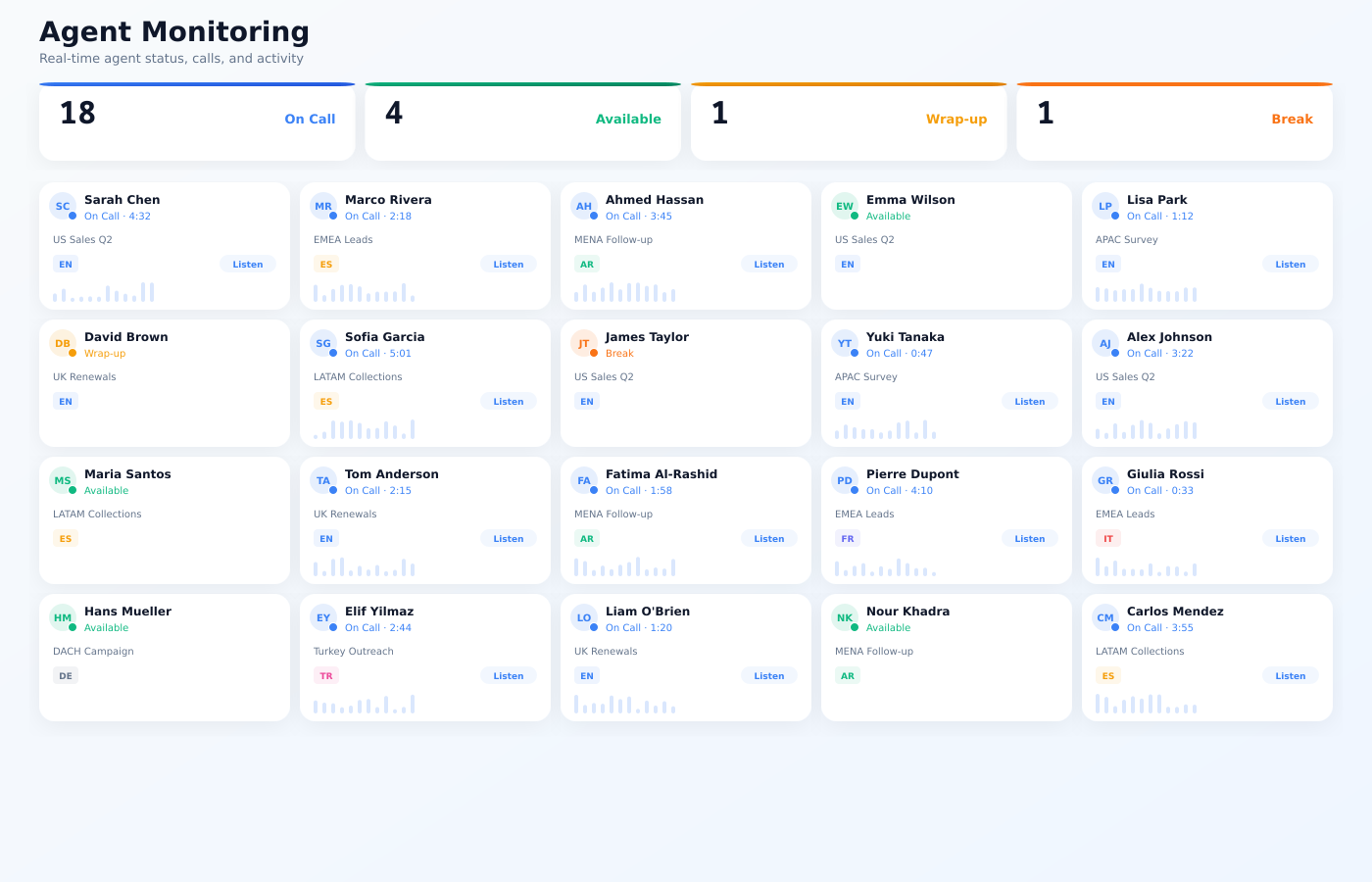
DialerBee checks free-busy before it offers a time, creates the event when the customer says yes, updates it if the appointment moves, and cancels it if it is called off. Change notifications bring back anything that was edited in Microsoft 365 itself.
That is what makes a booking on a live call safe. Layla checks the calendar, offers a time that is genuinely open, and books it, quoting only prices that are in your service catalogue.
- Free-busy checked before a slot is offered
- Event created on confirmation, updated on a reschedule, cancelled on a cancellation
- Change notifications carry Microsoft-side edits back into DialerBee
- Layla books, reschedules and cancels on the call, after the free-busy check
Outlook
Mail the secretary reads, and drafts you approve
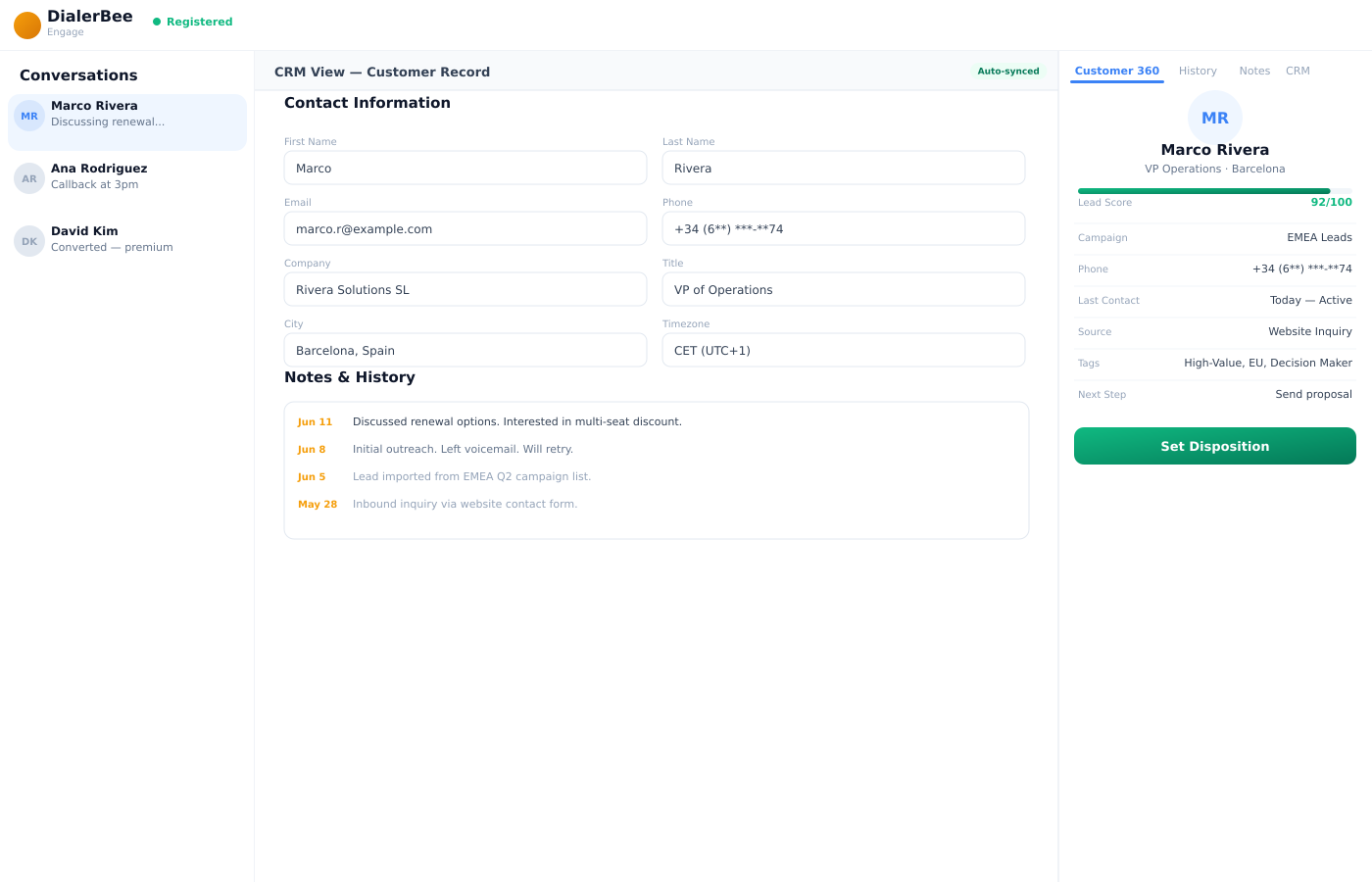
Connecting Microsoft 365 is also how the AI Executive Secretary reaches Outlook mail. The mailbox is ingested and triaged, so the secretary knows what came in and what it concerns.
Sending stays with you. Outgoing mail is submitted as a draft, with its attachments, and goes nowhere until you approve it. Calendar actions follow the same shape: propose, authorise, confirm.
- Outlook mail ingested and triaged for the AI Executive Secretary
- Outgoing mail submitted as a draft for approval before it is sent
- Calendar actions follow propose, authorise, confirm
- Every action is auditable and the whole configuration exports
Frequently asked questions
What is the Microsoft 365 integration in DialerBee?+
It is an OAuth connection to Microsoft 365 that DialerBee uses to check free-busy, create calendar events, update them when an appointment moves, and cancel them when it is called off, with change notifications carrying Microsoft-side edits back. The same connection gives the AI Executive Secretary access to Outlook mail.
Is DialerBee a certified Microsoft AppSource app?+
No. DialerBee connects to Microsoft 365 through OAuth and Microsoft's APIs rather than as an AppSource listing, and no certification or partnership is claimed. Our team scopes the exact connection, the calendars and the scopes with you during onboarding.
Does it connect for the whole organisation or per agent?+
Both. There is an OAuth connection at organisation scope for the tenant, and each agent can connect their own calendar under their own grant. Free-busy is checked against the calendar that actually holds that person's commitments.
Can it double-book someone?+
A free-busy check runs before a slot is offered or held, so a time that is already taken is not offered. Capacity rules in the service catalogue are enforced at booking time as well, and a booking is refused when capacity for that service is full.
What happens when the appointment is edited in Outlook instead?+
Change notifications tell DialerBee that something moved, so the portal and the calendar do not drift apart between checks. That matters most for staff who work out of their own calendar rather than the appointments portal.
Can the AI voice agent book into Microsoft 365 during a call?+
Yes. Layla runs the free-busy check on the call, offers a time that is open, and books, reschedules or cancels there and then. It quotes only prices that exist in your service catalogue.
What does the Outlook side do?+
The AI Executive Secretary ingests and triages the mailbox and submits outgoing mail to you as a draft with its attachments. Nothing is sent until you approve it, and every action is auditable.
How is it set up?+
During onboarding our team agrees which calendars and mailboxes are in scope at organisation level, which agents connect their own, and which OAuth scopes are granted. Every Microsoft 365 tenant is arranged differently, so this is scoped with you rather than switched on blind.
See a call book into your own Microsoft 365 calendar
A 30-minute walkthrough on a demo tenant, in English or Arabic.